coreVIEWER

Free app for visualization, configuration, logging, and analysis of core sensing sensors

  • Quick, easy, and intuitive to use
  • Web version available for data visualization
  • Export of .csv files for easy use
coreVIEWER Übersicht coreVIEWER Settings coreVIEWER Rec coreVIEWER Rec coreVIEWER Rec coreVIEWER Rec (2) coreVIEWER Custom Dashboard 8

coreVIEWER in Brief

The coreVIEWER app is the control instrument for our sensors and measuring amplifiers. It is available for free in the Google Play Store and Apple App Store and is intuitive to use.

With coreVIEWER, you have full control over your smart sensors. It makes all measurement values visible via various graphs and tools and enables the configuration of core sensing sensors, measuring amplifiers, and gateways.

  • Live display of measurement values
  • Start, stop, and display of recordings
  • Overview of all available sensors
  • Simultaneous connection with up to 4 sensor nodes
  • Configuration of sensor nodes and gateway
  • Creation of custom dashboards

Added Value of the coreVIEWER App

  • Easy to use, even for non-technicians
  • Wireless, stable data transmission via Bluetooth
  • Live display for sensors with core sensing measuring amplifiers
  • Data logging up to 1,000 sps on mobile device and on coreLIME measuring amplifier
  • Export recordings as .csv, direct viewing and editing possible in the software
  • Configuration of coreGATE gateways
  • Simultaneous connection of up to four coreLIME measuring amplifiers
  • Configuration of calibration value, transmission rate, power options, and much more
  • Available for free download

coreVIEWER Custom Dashboard

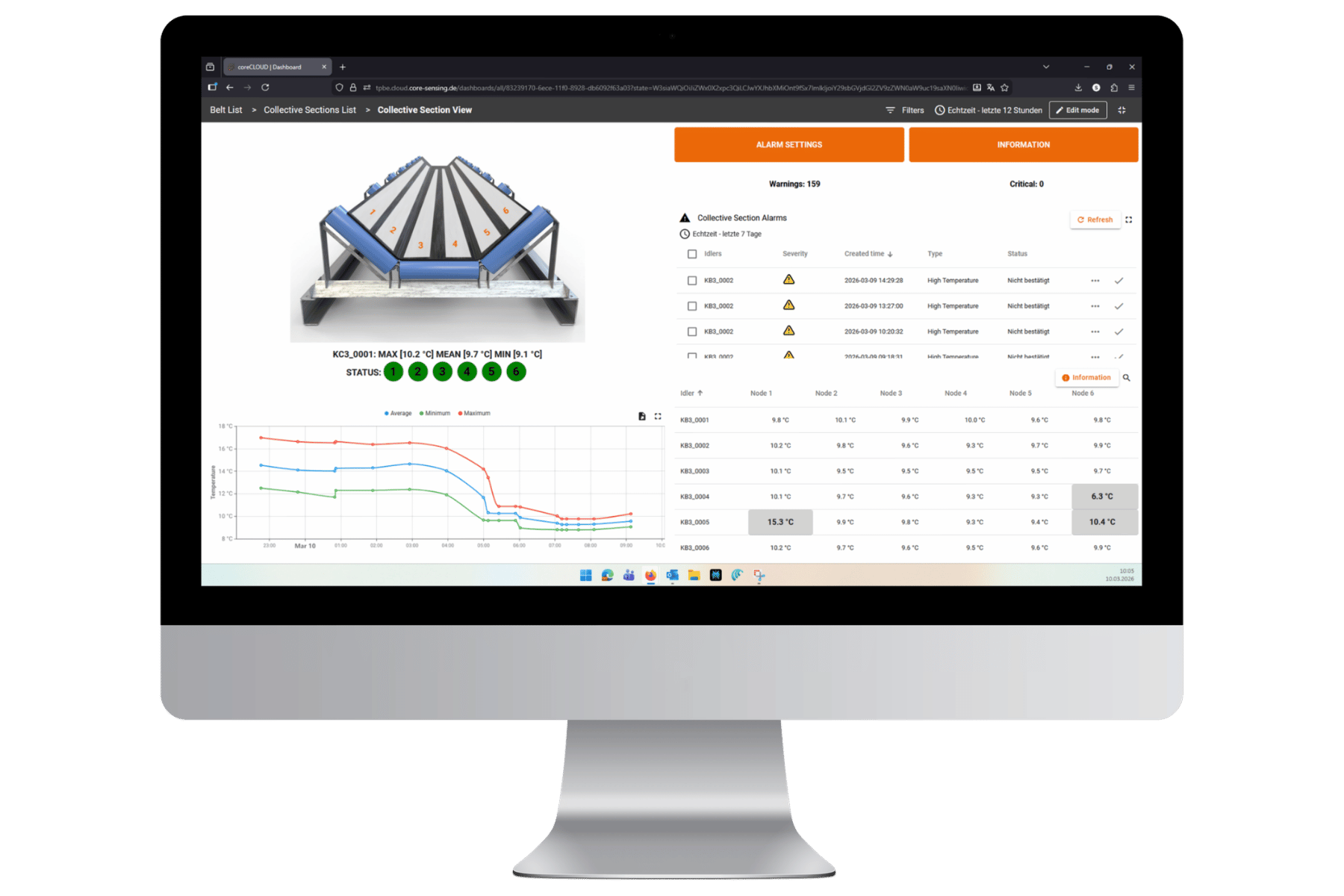
Get a quick overview! As soon as you connect a torque or force sensor, all measured variables of a sensory component are clearly displayed in the dashboard, allowing you to easily keep an eye on the most important measurement values from various components. In custom mode, you can display exactly the measured variables that are of particular interest to you – from up to four measuring amplifiers simultaneously.

  • View as Line Chart
  • Live value as digital display
  • Min/Max/Average value for adjustable period
  • Tare
  • Tab switching between connected sensors
  • Schedule and start recording measurement data

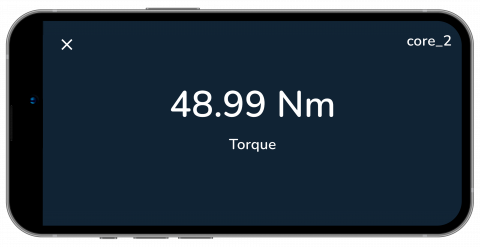
Number Widget Chart

Display of sensor values in a numerical chart

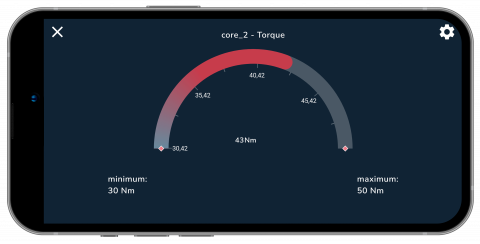
Radial Gauge Chart

Display of sensor values in a circular, speedometer-like chart that shows the current value in relation to the maximum and minimum values.

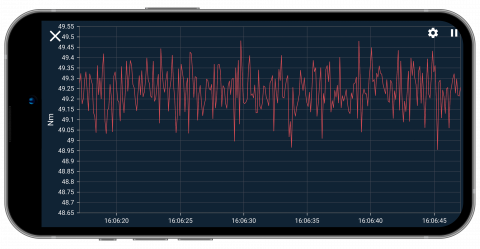
Line Chart

Display of the temporal progression of the relevant measured variable to compare multiple sensors simultaneously.

coreVIEWER Web – browser-based data visualization

coreVIEWER Web is a free, browser-based software for visualizing and easily processing measurement data recorded with coreLIME-based sensors. It is irrelevant whether it is stored on the amplifier or on the mobile device.

The .csv file is loaded into the software via the upload icon in the top right corner. The data remains exclusively local; there is no interface, transmission, or information flow to the network.

Note: The software may not be compatible with some browsers (especially Safari). Please use a different browser if it does not work.

Request more information

Send us a non-binding inquiry for further information.

Related products

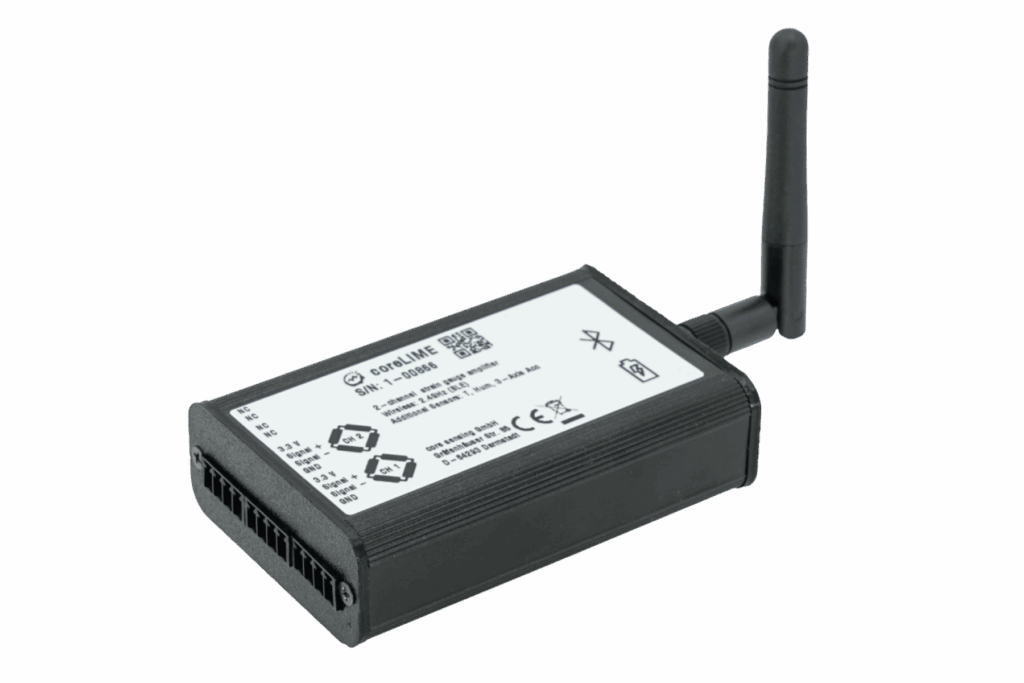
coreLIME

Wireless 2-channel measuring amplifier and data logger for strain gauges

■ High data transmission rate up to 1,000 sps
■ Plug & Play with the free coreVIEWER app
■ Industrial-grade Bluetooth data transmission

coreIN

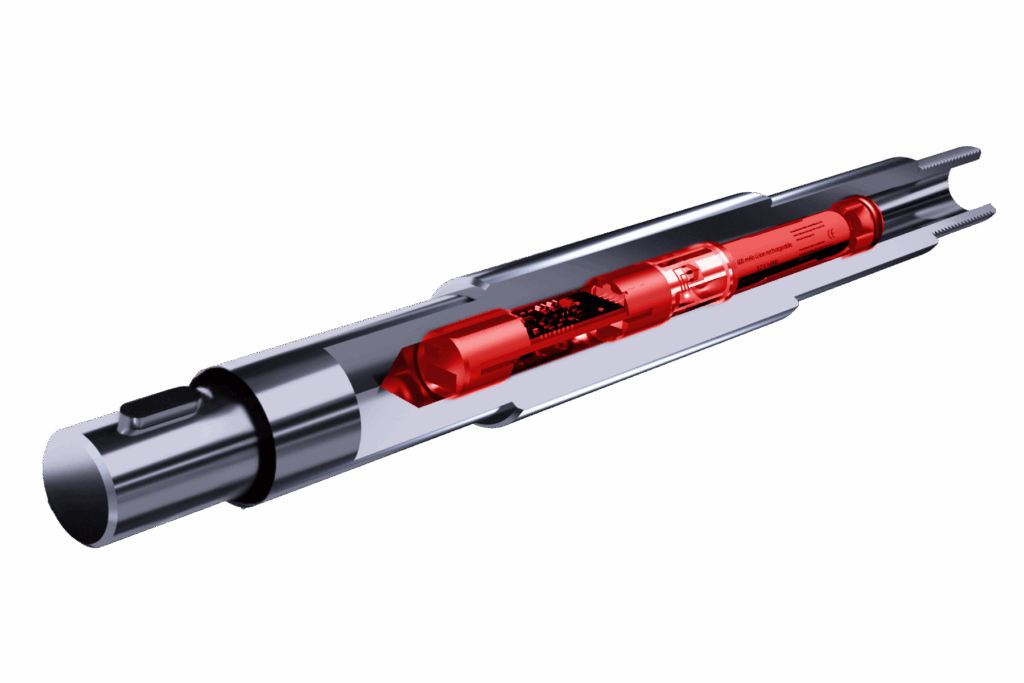
Integrated force and torque sensors for hollow shafts with rechargeable battery, battery, or induction

■ Sensor integration into customer-specific components
■ Specifically for mobile and rotating applications
■ Torque, force, and bending possible